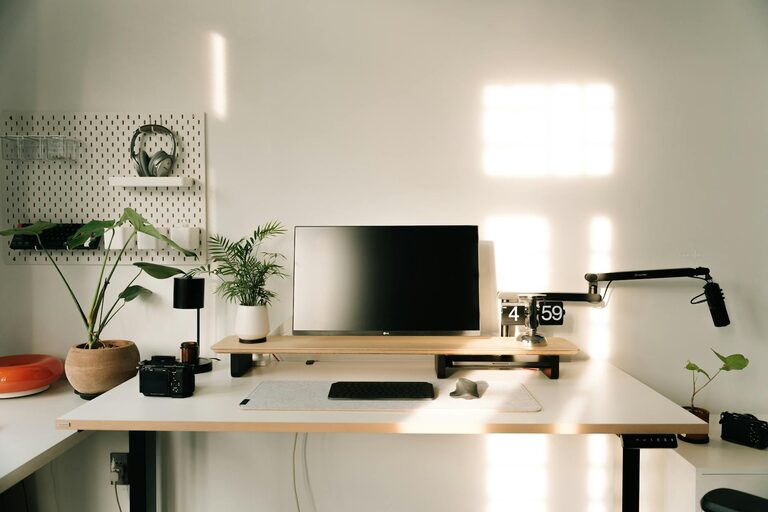
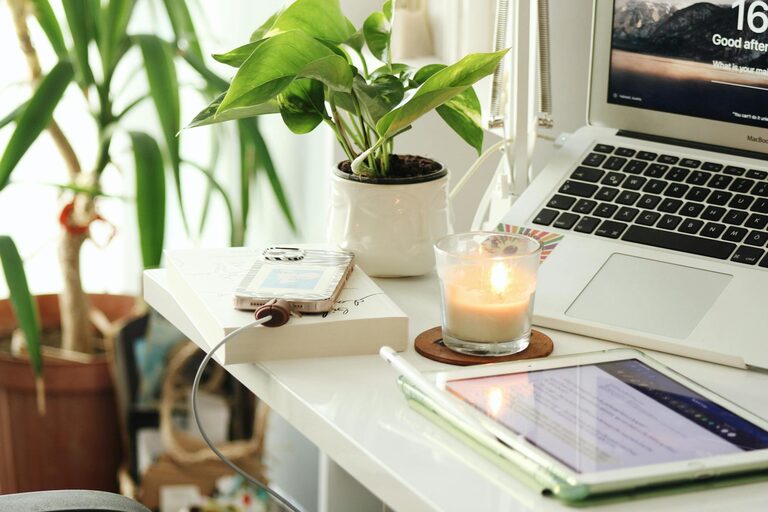
Creating a home workspace that feels both relaxing and productive can greatly improve your efficiency and well-being. Whether you’re working remotely full-time or just occasionally tackling tasks at home, a thoughtfully arranged space helps reduce stress and maintain focus. Here are some helpful tips to design a home workspace that balances comfort and productivity.
Choose the Right Location
Selecting the best spot in your home is the first step towards an effective workspace. Ideally, choose a quiet corner or room with minimal distractions. If possible, avoid high-traffic areas like the kitchen or living room where noise and interruptions are common.
Consider Natural Light
Natural light not only brightens your workspace but can also boost your mood and energy levels. Position your desk near a window so you can enjoy daylight. If natural light is limited, invest in good quality artificial lighting that mimics daylight, reducing eye strain.
Invest in Comfortable Furniture
Your chair and desk are the foundation of a comfortable workspace. Invest in an ergonomic chair that supports good posture, especially if you spend extended periods sitting. The desk should be at a height that allows your arms to rest comfortably and your feet to stay flat on the floor.
Add Soft Textures
Incorporating soft textures such as a cushioned seat pad, a woollen throw, or a small rug can soften the space and add a cosy feel, making the area more inviting and comfortable.
Declutter and Organise
A tidy workspace helps maintain focus by reducing distractions and mental clutter. Use storage solutions like shelves, drawers, and organisers to keep papers, stationery, and tech accessories neatly stored away.
Implement Cable Management
Messy cables can be stressful and unsafe. Use clips, sleeves, or boxes to manage cords effectively, keeping your desk surface clean and organised.
Personalise Your Space
Adding personal touches can make your workspace feel more welcoming. Photos, artwork, or plants can create a positive atmosphere without overwhelming the area.
Include Greenery
Plants improve air quality and have been shown to reduce stress. Small potted plants or succulents can easily fit on your desk without taking up too much room.
Optimise Technology Setup
Your technology should support your productivity, not hinder it. Ensure you have reliable internet, an appropriate monitor, keyboard, and mouse. Arrange your devices ergonomically to avoid strain.
Use Noise-Cancelling Tools
If your home is noisy, consider noise-cancelling headphones or white noise machines to maintain concentration.
Take Regular Breaks
No matter how well your workspace is designed, taking breaks is essential. Stand up, stretch, or step outside for fresh air to keep your mind and body refreshed.
Maintain Good Lighting for Evenings
If you work late, avoid harsh overhead lighting that can cause eye fatigue. Opt for desk lamps with adjustable brightness to create a relaxing ambiance after daylight hours.
Set Boundaries
When working from home, it’s important to set clear boundaries to separate work from personal life. Use a dedicated space for your work to mentally ‘switch off’ at the end of the day.
Keep Refreshments Nearby
Staying hydrated and having healthy snacks within reach helps maintain energy without unnecessary distractions.
—
By applying these practical tips, you can create a home workspace that supports your productivity while keeping comfort and relaxation in mind. A well-designed environment not only boosts efficiency but also promotes a healthier and happier work-from-home experience.
About the Author